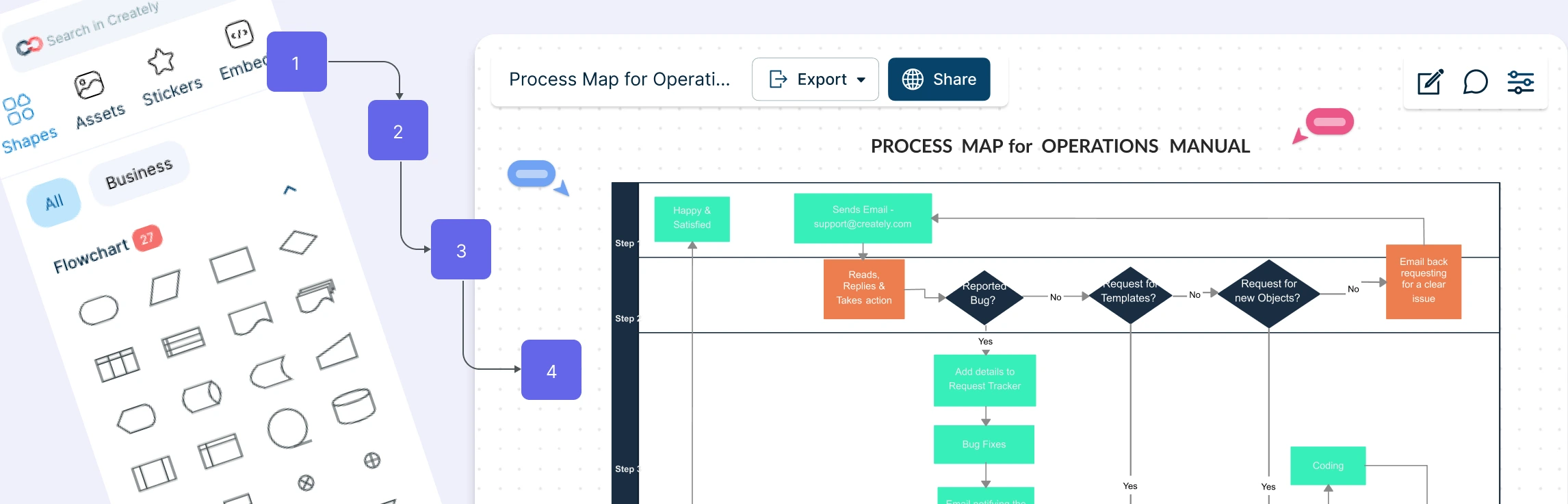
Easily visualize your processes and workflows with smart automation.
Create visual organizational structures with images and detailed profiles.
Visualize concepts and their relationships on an infinite visual canvas.
Map family history and understand the relationships with detailed genograms.
Visualize relationships between entities using Crows Foot or Chen notation.
Visualize your network infrastructure. Support AWS, CISCO, Azure and more.
Visualize and expand your ideas using our powerful mind mapping tool.
Easily create family trees with our professionally designed templates.
Infinite canvas to add diagrams, images, sticky notes and more.
Run collaborative meetings, workshops or brainstorming sessions.
Collaborative diagramming for educators and students at discounted rates.
Log In
Sign Up Free
Processes shape how work gets done every day, but when steps exist only in people’s heads or across scattered documents, things can quickly become inefficient. Tasks slow down, responsibilities become unclear, and small issues grow into larger operational problems. Process mapping helps teams turn that hidden work into a visible workflow they can understand, improve, and standardize.
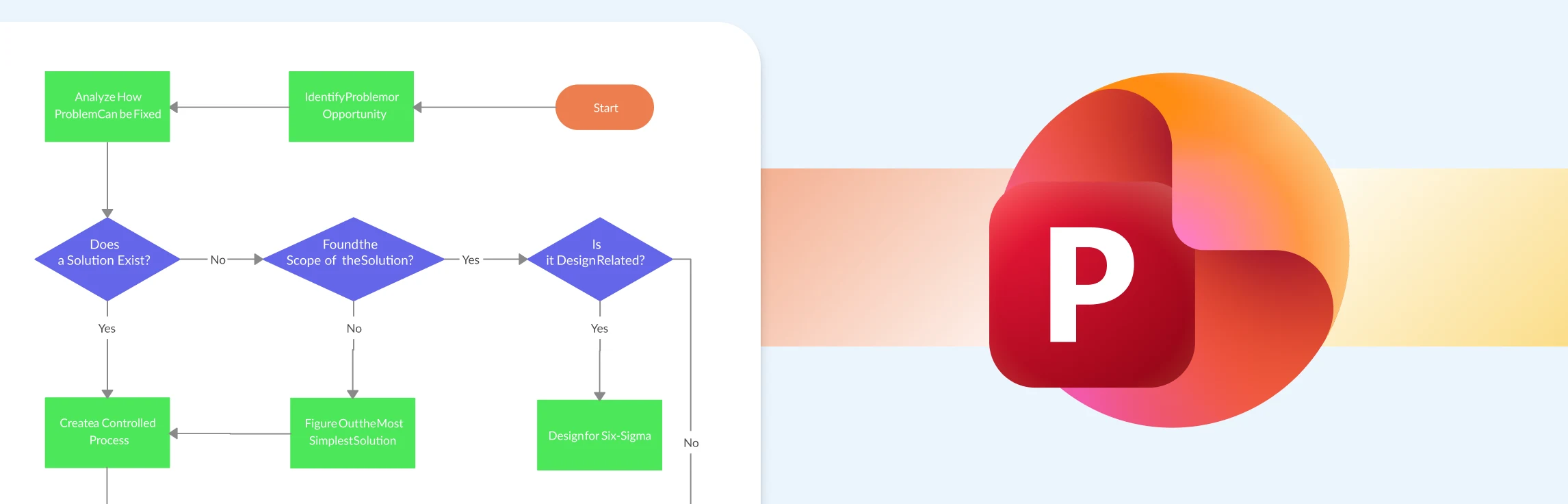
This guide walks you through exactly how to create a process map in PowerPoint, step by step, without overcomplicating things. It also covers the common limitations you’ll run into as your process grows, and introduces a more flexible alternative for building and sharing process maps faster. Along the way, you’ll find free templates to help you get started with less setup and more clarity.