When it comes to visualizing team structure, hierarchy or the reporting relationships nothing comes close to an organizational chart. It enables employees to find the right person to talk to and at a higher level helps to bottlenecks and growth needs of a company.
An org chart with pictures takes it to another level by adding more personal touch to it. After all its much easier to find a person when you know their face :-).
Creating an Org Chart with Pictures Using Creately
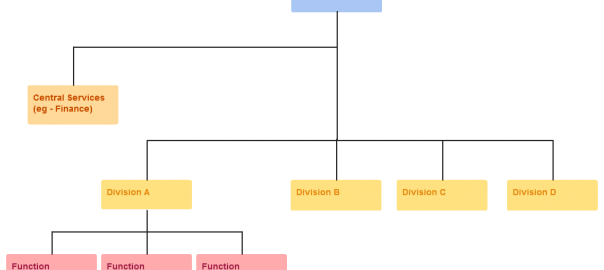
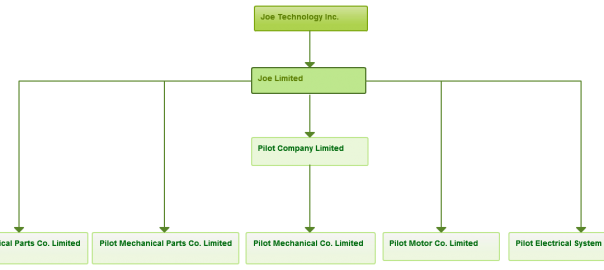
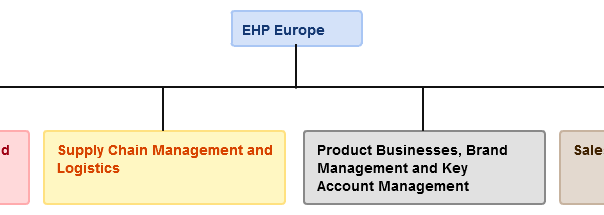
With our organizational chart software, it’s dead simple to add an image to your org chart objects. Select any organizational chart object which has an image, Similar to the ones shown below.

Select any org chart object that supports pictures
Open the “Properties” panel to the right. You can do this by clicking on the “Properties” button on the contextual toolbar as well.
In the “General” section you’ll see an option to add the image. Click on the “Browse” button and select the image.

Browse and select to end up with a visually pleasing org chart
This will enable you to create a powerful and a visually pleasing organizational chart similar to the one below.
Click on the image to use it as a template

Visually pleasing org chart with images
Powerful Features to Quickly Draw Org Charts
We’ve got some more amazing features to make your organizational chart even more useful and productive.
For example you can make use of our color palette to color code different roles. You can even select one whole department and apply a color instantly.
With our 1-click create and connect feature you don’t have drag and drop objects and manually connect them. All that is done automatically and we will even arrange the layout for you in a logical manner. Drawing org charts couldn’t get any easier or faster.
Large organization with lots of people? Break the org chart into departments and link to each department from a top level org chart. Embed the top level org chart into your website and allow people to easily navigate to different departments.
We support importing your diagrams in many formats, including SVG format which is great for large prints.
You can even brand your organizational chart by adding company logos or specified background into your org chart. With so many features there’s no reason not to use us.

Different Org Charts for Different Scenarios
Creately not only support images but it supports many organizational chart types as well. This enables you to use different org charts to match the situation.
Whether its a hierarchical, matrix, flat or a hybrid organization you can make use of our tools to easily draw those org chart types. This ability to configure your org chart according to your company gives you plenty of options and flexibility.